If you have a Corporate Account on Freedx and lost access to your 2FA, please follow the steps below to submit a 2FA reset request.
1. Preparation
Please prepare the following requirements:
- Directors' Documents: ID documents for all members of the Board of Directors used for the account verification.
- Transaction Details: Records of deposits from the last 3 months (TXID/TxHash, amount, and specific coin/token).
- Common Device: The device used to log in to the corporate account.
- Each member of the Board of Directors must provide a selfie holding their ID and a handwritten statement:
"I am (your full name), and I am requesting to remove my 2FA.
Freedx Exchange.
Today's date: DD / MM / YY.”
- Email Access: Ensure access to the corporate's registered email on Freedx.
2. Submit a form
Once ready, submit your request through our Self-Service Form:
- Select 2FA Reset as the Request Type.
- Fill in the required fields.
- Attach all necessary selfie photos.
- Click Submit.
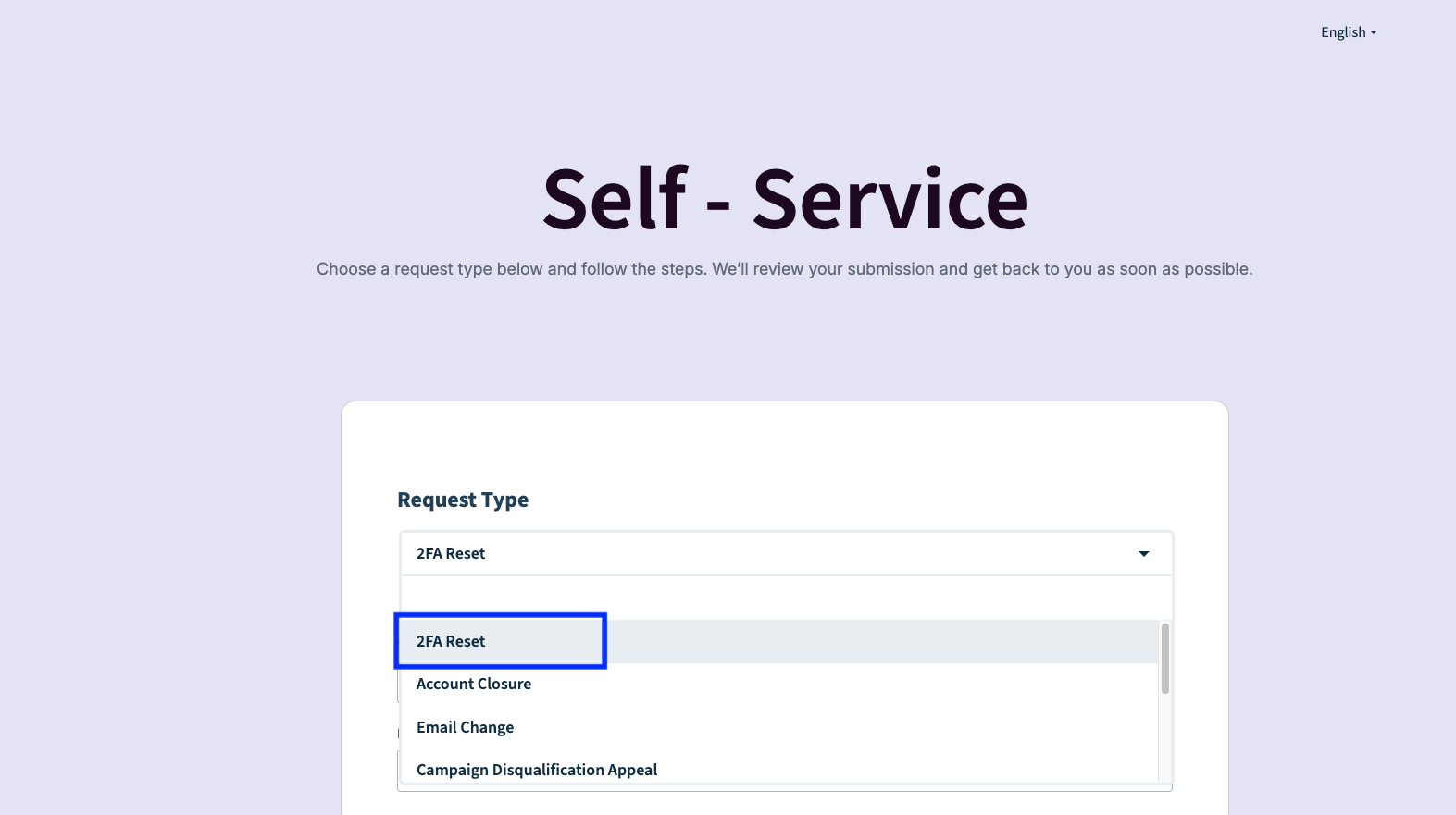
After receiving your request, our team will review and assist with the reset as soon as possible if the information provided is correct.
Important Note:
Please ensure that all the provided information is correct. Failure to provide accurate details will result in a request to resubmit.
In some cases, our compliance team may request additional information or clarification. If so, we’ll reach out to you directly with next steps.
Was this article helpful?
That’s Great!
Thank you for your feedback
Sorry! We couldn't be helpful
Thank you for your feedback
Feedback sent
We appreciate your effort and will try to fix the article